CLICK a CIRCLE – then “Add to Request” to add a part to your Part Request List. To remove a part from the list, click its circle, Find button, or (x) and Remove from Request.
Parts Finder:
MC 750
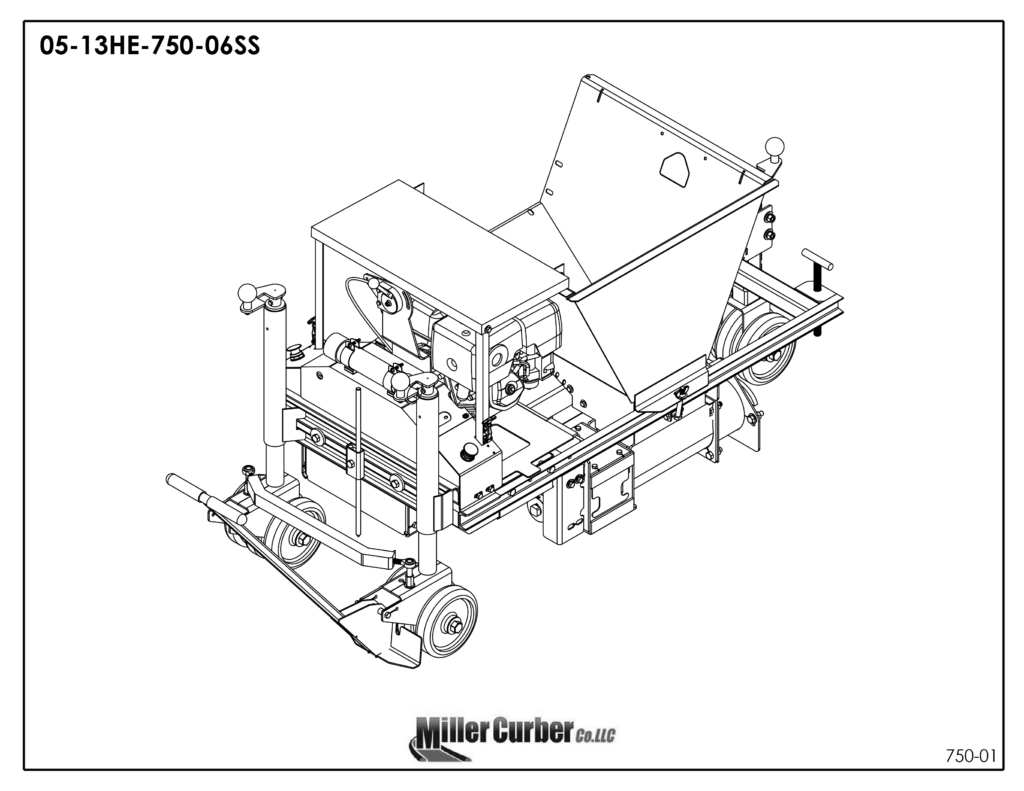
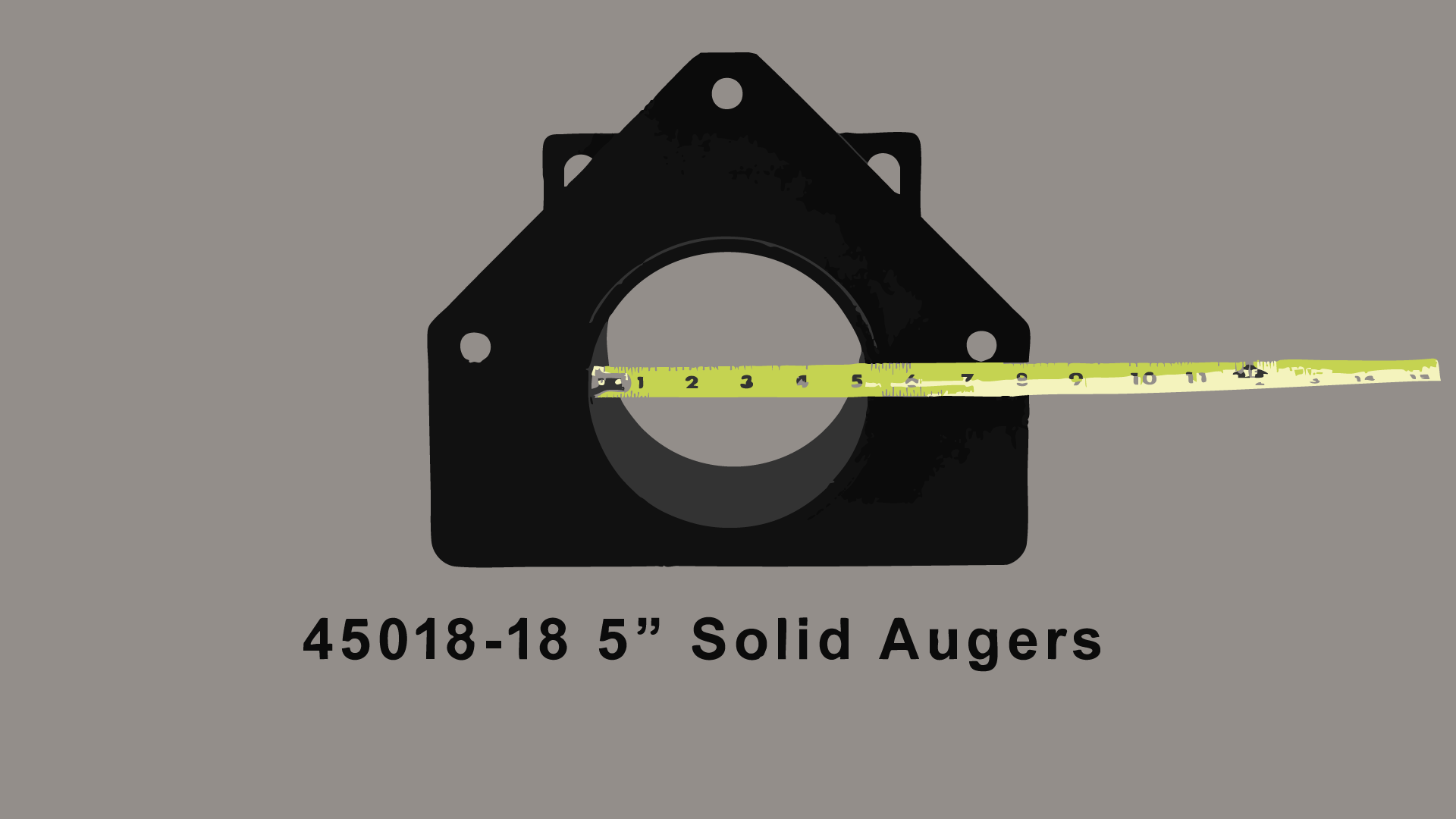
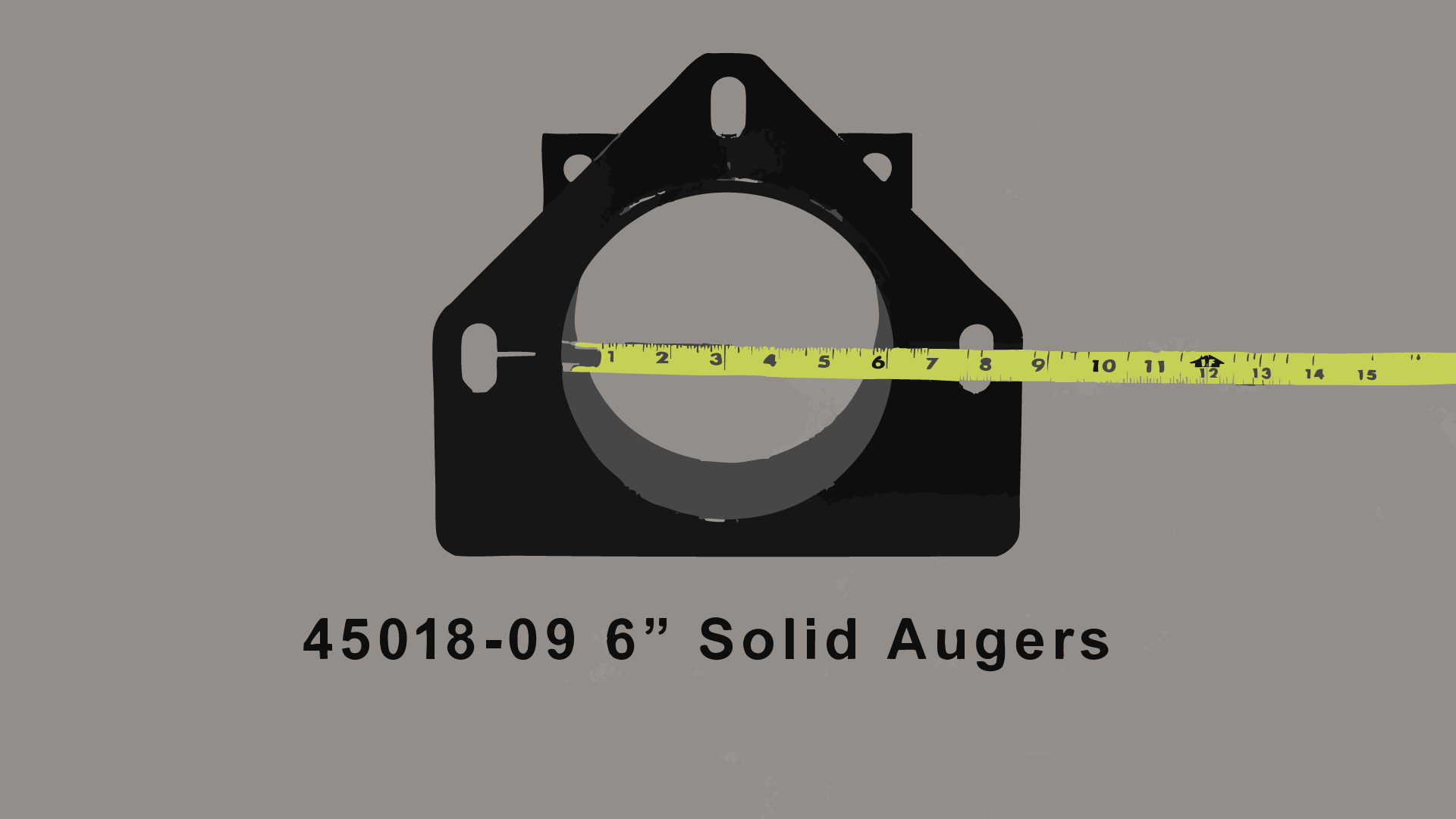
Determine your Auger Size: 5″ / 6″ / Solid (only) on the MC750.
Assemblies are prebuilt, ready to install.
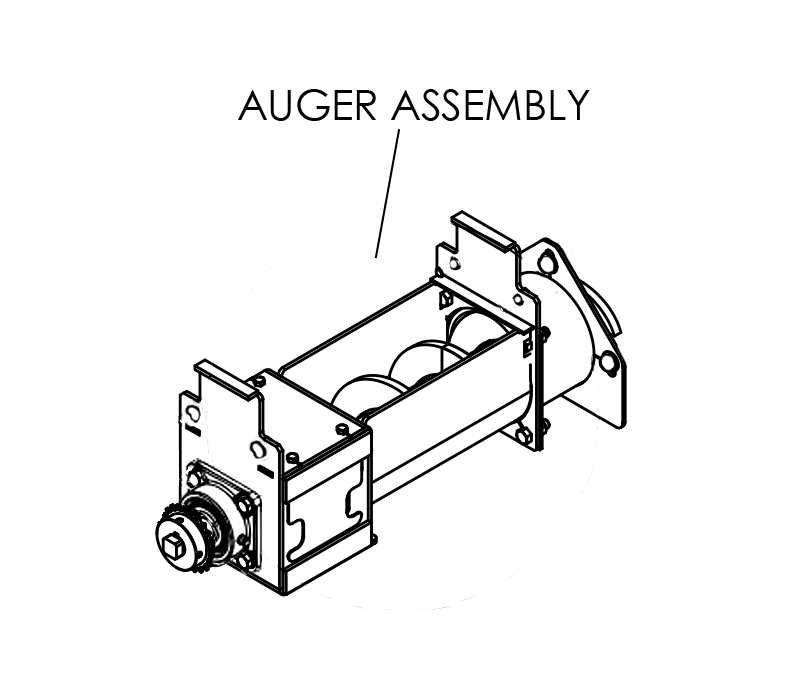
Choose a complete assembly to add to your Part Request. [many different configurations available] Assemblies come prebuilt and are easy to install.
Keep different sizes on hand: 5″ and 6″ Solid (only) are available on the MC 750, due to its double auger configuration.
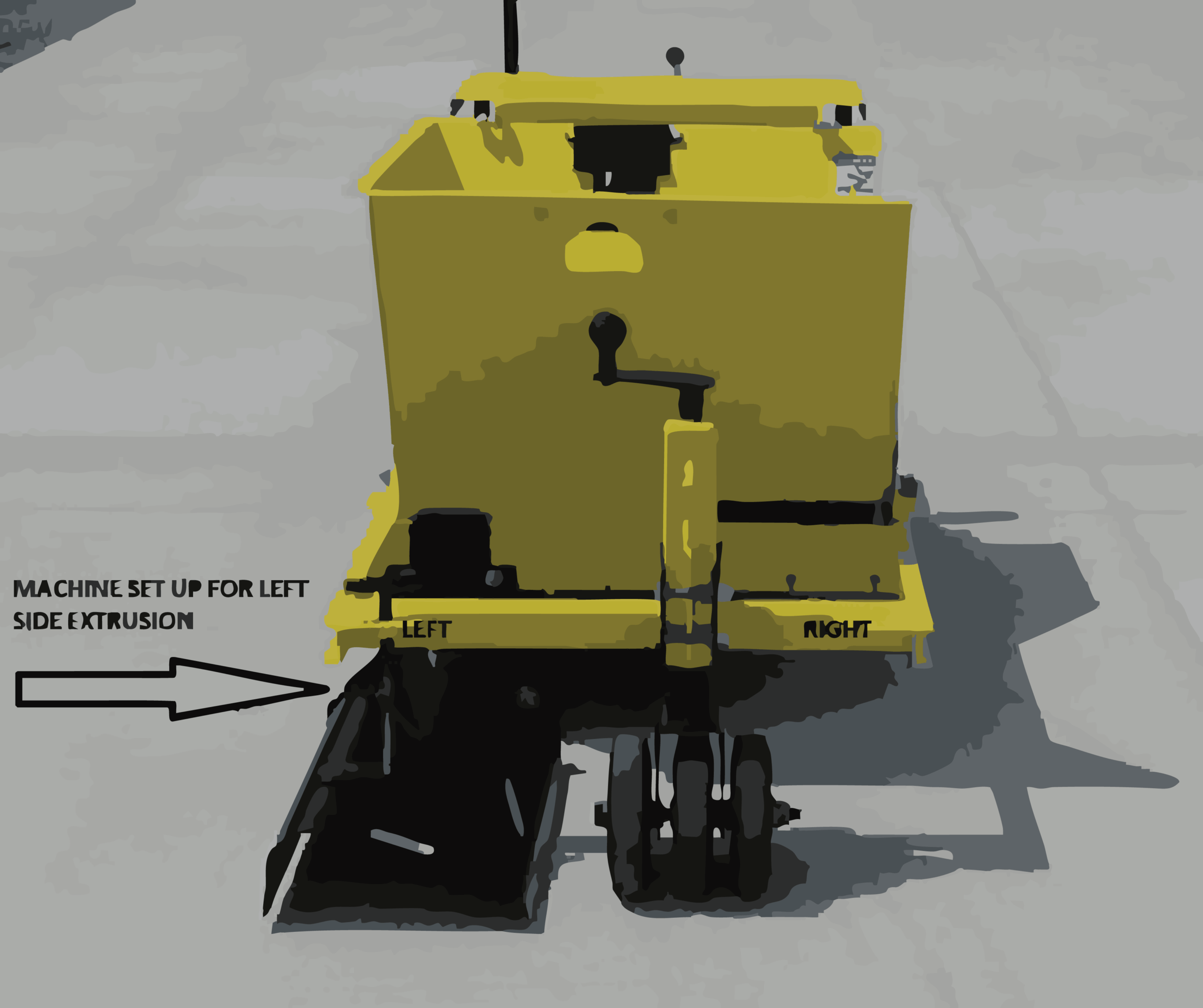
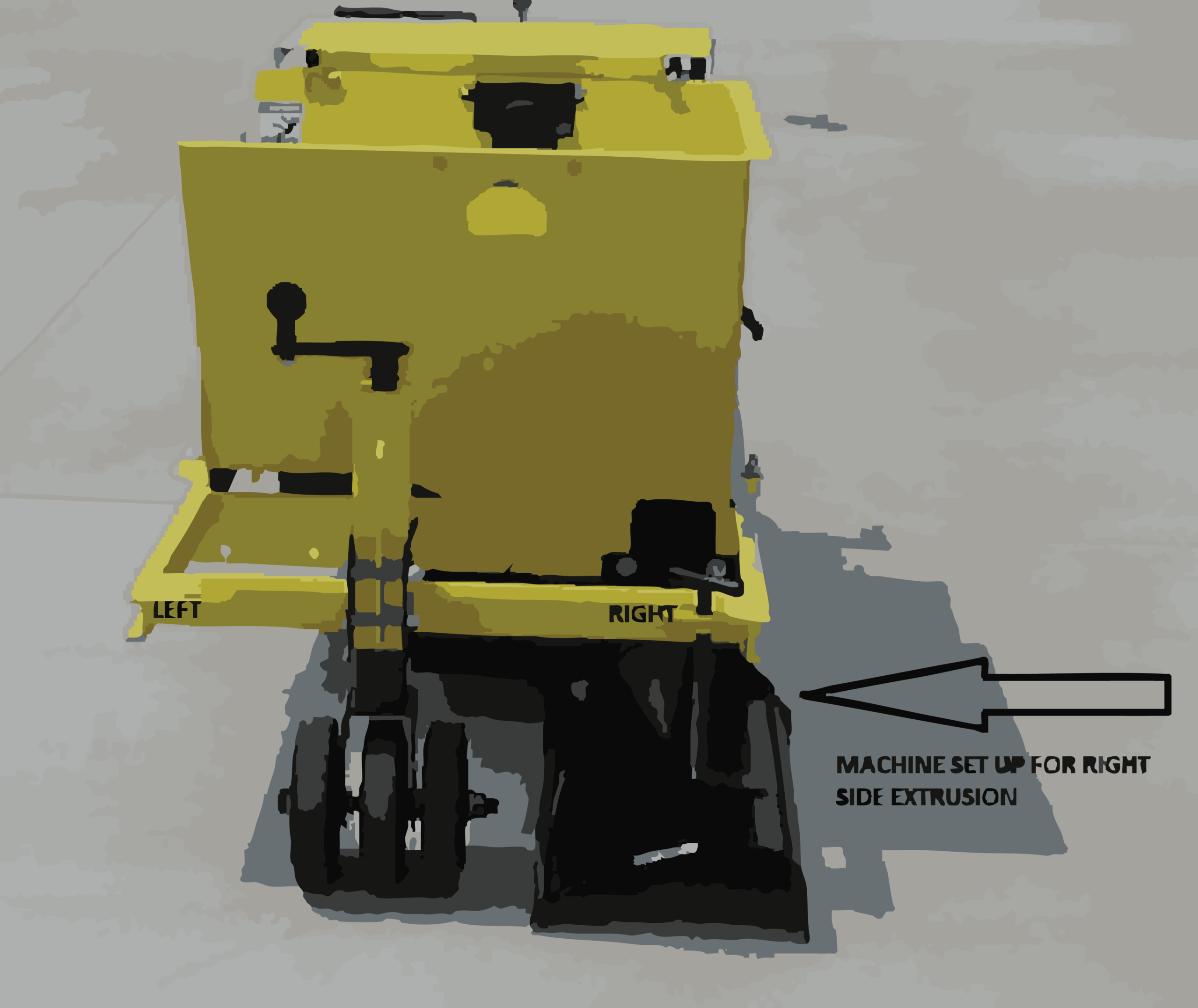
Determine your Idler Sprocket based on your machine’s side extrusion: Left or Right [left is most common] – the MC 750 includes both left and right side extrusion.
Part Request List:
To send us your request click NEXT.